
First-run setup
After installing, open the panel address (https://<vps-ip>:2610). Since no account exists yet, the panel automatically redirects you to /setup.
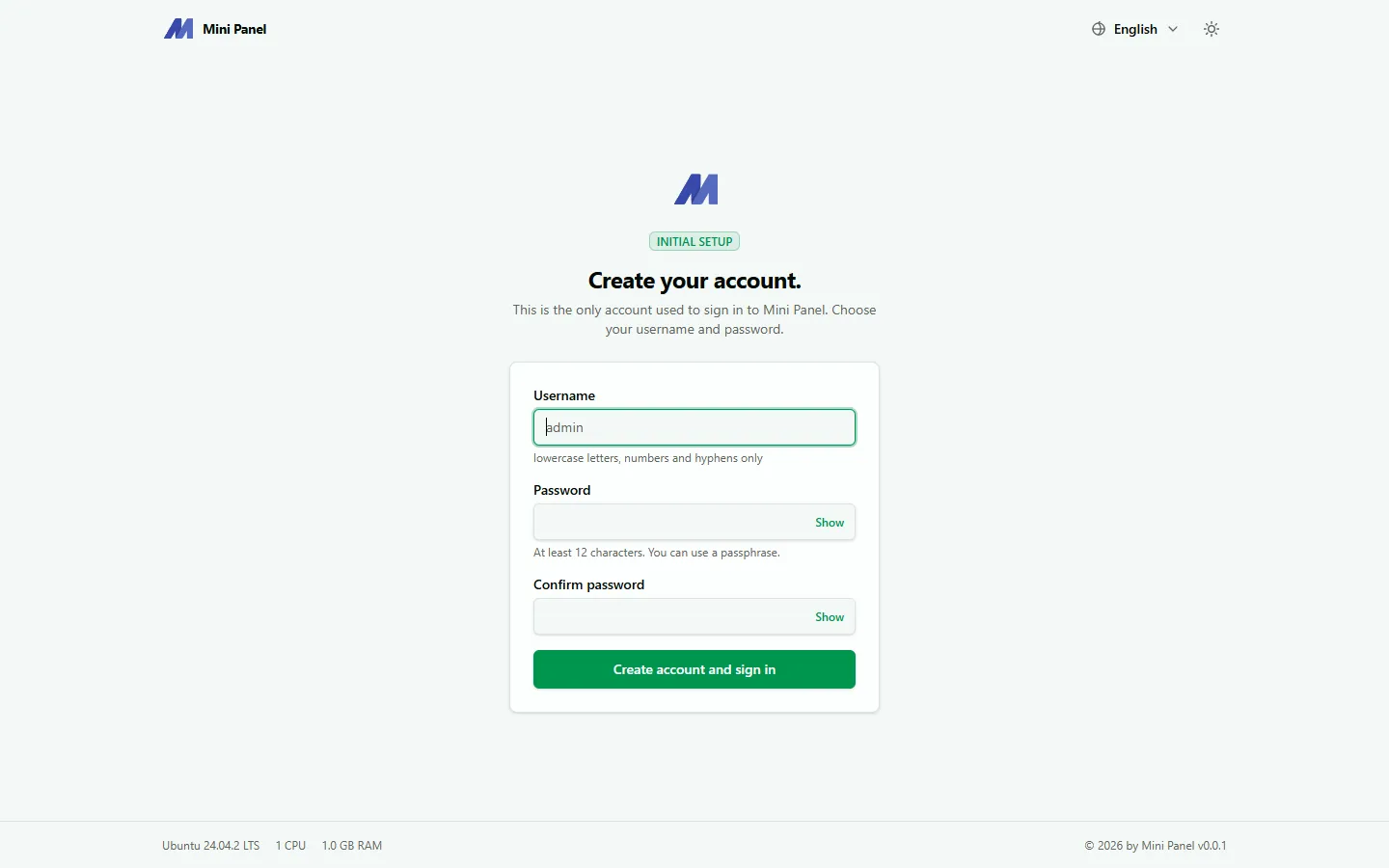
Creating the account
Section titled “Creating the account”Fill in the form:
- Username: lowercase letters, numbers and hyphens/underscores only, starting with a letter.
- Password: at least 12 characters. A passphrase works well, e.g.
purple-horse-jumps-the-fence. - Confirm password: must match the password above.
Click Create account and sign in. The panel saves the account to /var/lib/mpn-web/account.json (managed directly by the panel without the root helper) and takes you straight to the main page.
After creating the account
Section titled “After creating the account”- The
/setuppage no longer appears; from now on you sign in through the regular login page. - You should enable two-factor authentication (2FA) right away, especially if the panel is exposed on a public IP without firewall restrictions on who can reach it.