
Websites overview
The Websites page is the panel’s main page — it lists every website currently running on the server.
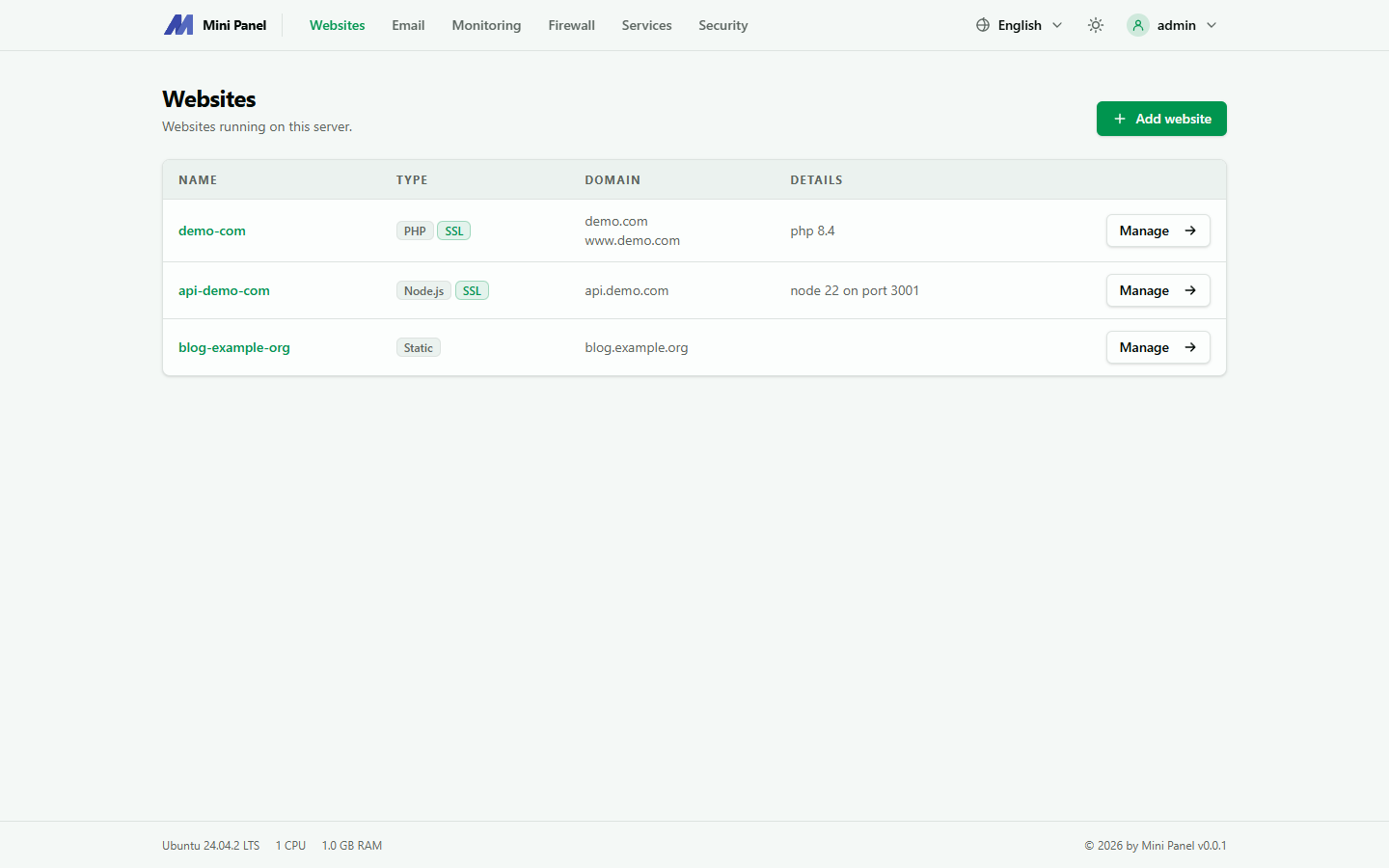
Information shown for each website
Section titled “Information shown for each website”- Name: the website’s system name (used as the SSH/SFTP account name and home directory name).
- Type: PHP, Node.js, Python, Static or Reverse proxy.
- Domain: the primary domain; extra domains collapse into “+N other domains”.
- Details: the runtime version (PHP 8.4, Node 22…) or the upstream address (for reverse proxy).
- SSL: whether a TLS certificate is installed.
Website types
Section titled “Website types”| Type | Used for | Default document root |
|---|---|---|
| PHP | WordPress, Laravel, custom PHP code | htdocs (or public when using a PHP framework) |
| Node.js | Long-running Node apps (Express, Next.js…) | the directory chosen at creation |
| Python | Flask, Django, FastAPI, running in their own virtualenv | the directory chosen at creation |
| Static | Plain HTML/CSS/JS, no server-side processing | htdocs |
| Reverse proxy | Forwards requests to another address (an app running on a different host/port) | not applicable |
Each type has different settings tabs once you open a website’s detail page — see Adding a website and Overview tab.
What you can do from here
Section titled “What you can do from here”- Add a new website
- Click a website’s name to open its detail page, with tabs: Overview, Databases, Backups, and more. The SSH/SFTP settings are in Overview.
- Apply: reload the website’s Nginx configuration (useful after a manual edit, or if the running configuration seems out of sync with saved settings).
- Remove: delete the website from the server (with a confirmation step before it happens).